
The "On This Day" Feature, Self-Hosted.
100% private photo memories directly from your Synology NAS.
- 30-day free trial
- All features included
- 100% Private & Offline
What is Today in Years?
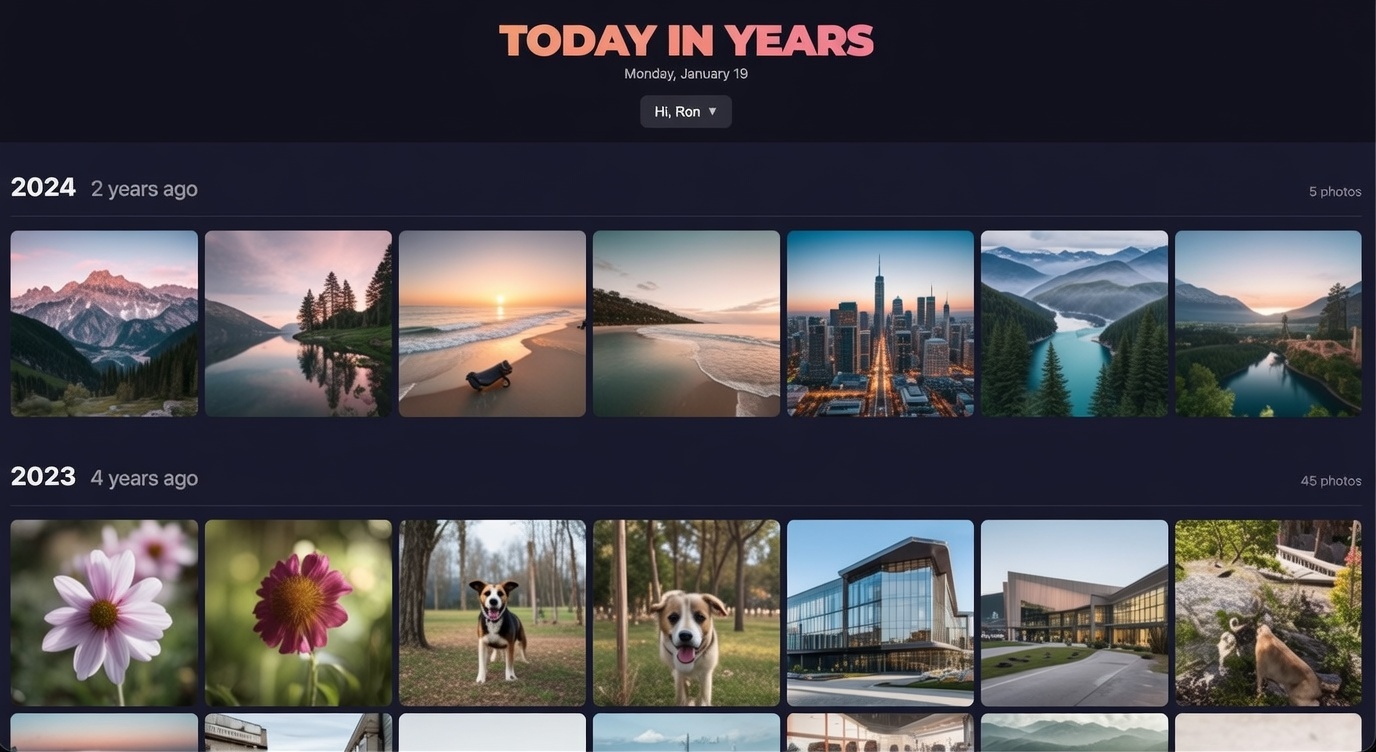
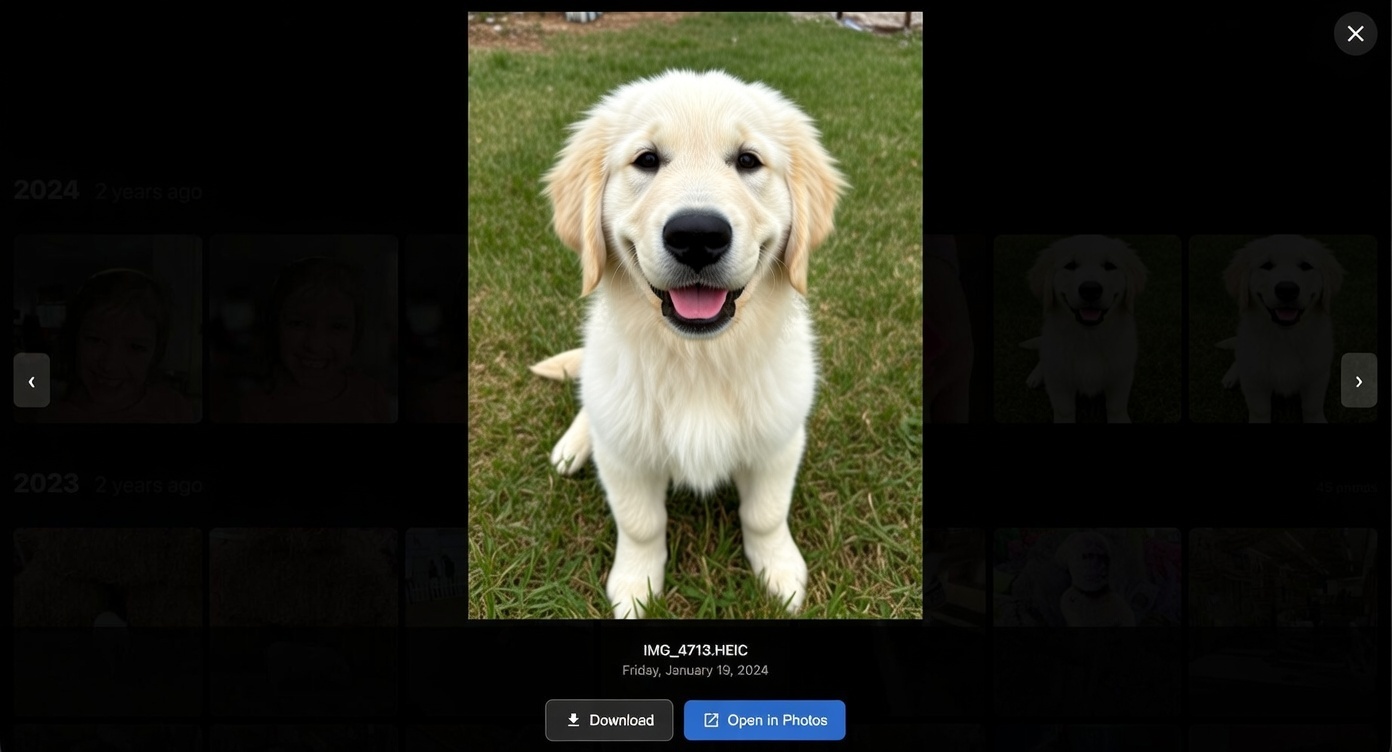
Today in Years is a Synology NAS application that shows you photos from today's date across all previous years. It creates a personal "memories" experience similar to Google Photos or Apple Photos, but running entirely on your own hardware.
Browse memories from your personal space, shared family libraries, specific albums, or custom collections. Set up daily reminders so you never miss a memory.
A beautiful way to revisit your photo memories
Desktop Experience
Mobile Experience
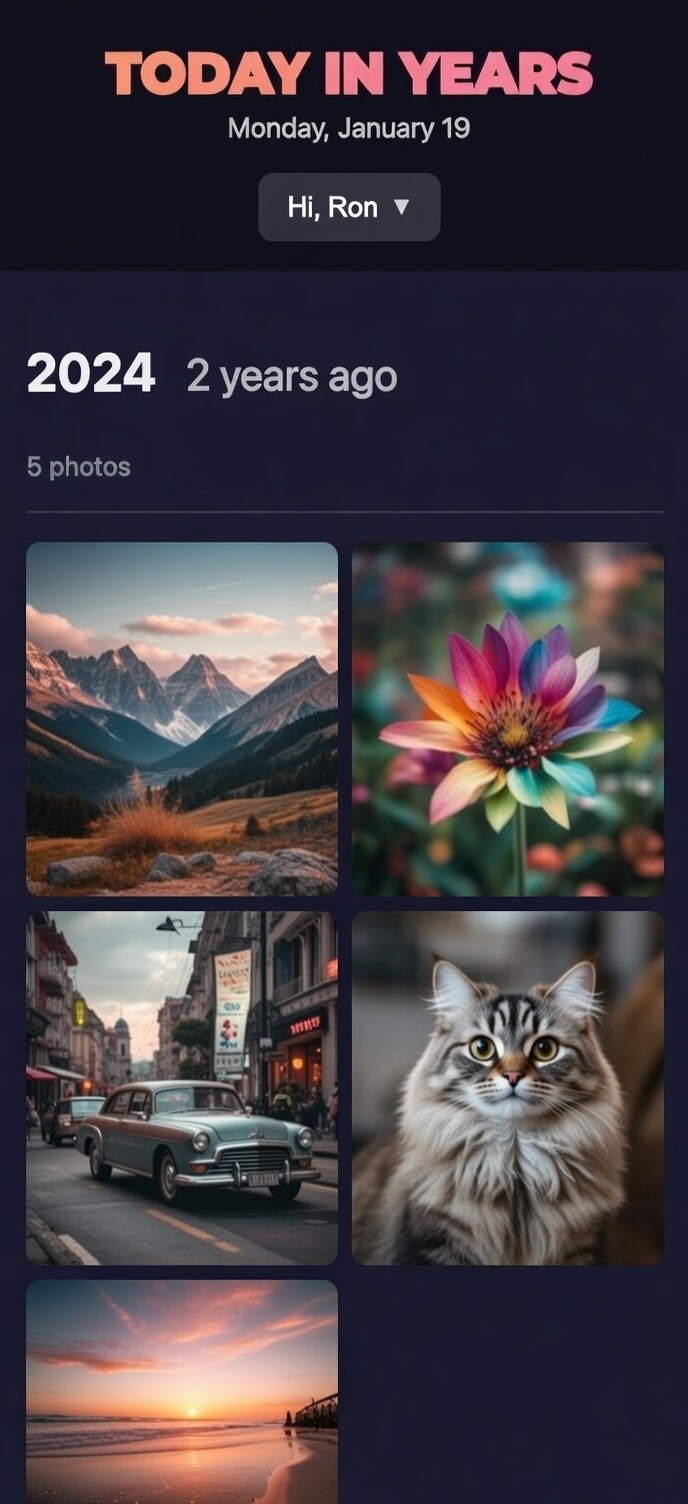
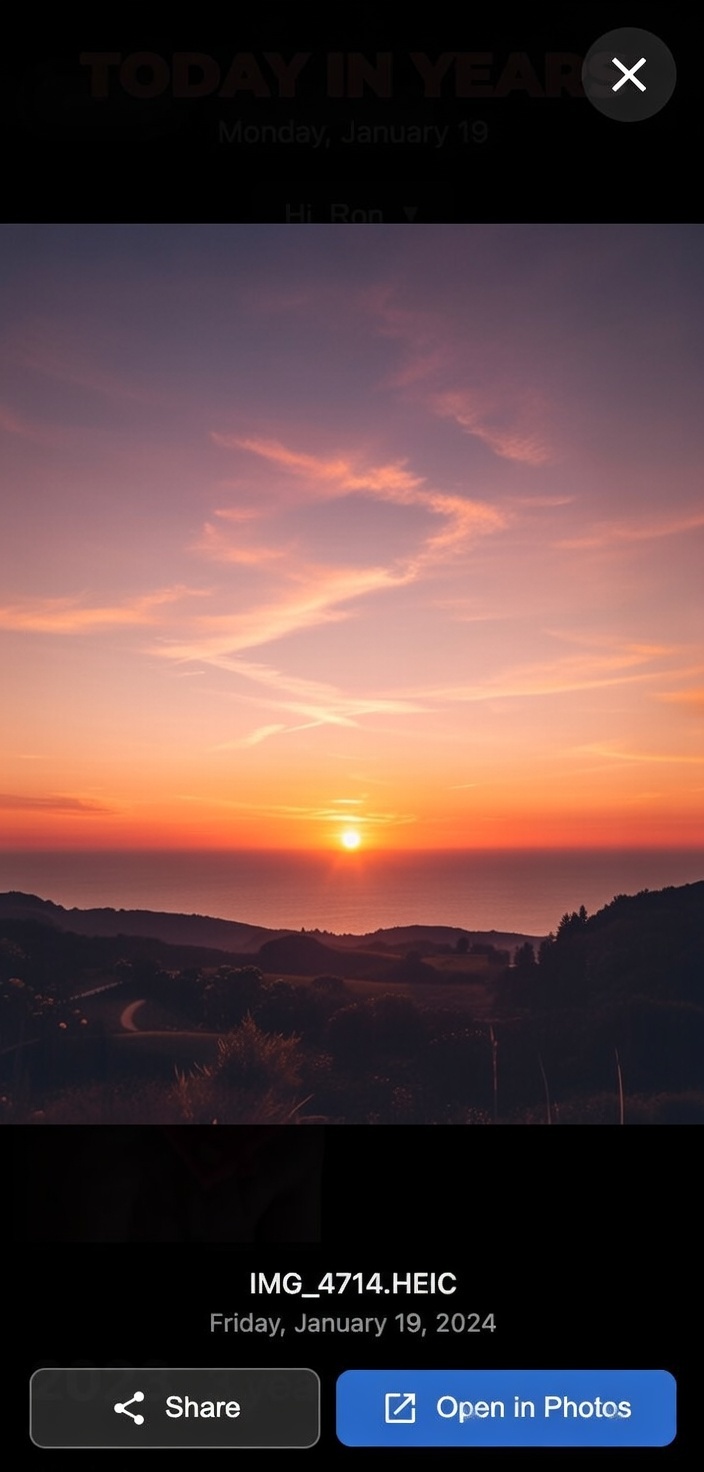
Clean, intuitive interface designed for daily use on any device
Features
Everything you need to rediscover your photo memories, organized your way.
Shared Space
Access family and team photo libraries alongside your personal photos. See memories from Synology Photos' shared space.
Albums & Collections
Browse memories from specific albums or combine multiple albums into custom collections for themed browsing.
Daily Reminder
Get notified when your memories are ready. Set a custom time window and never miss a trip down memory lane.
Pick Any Date
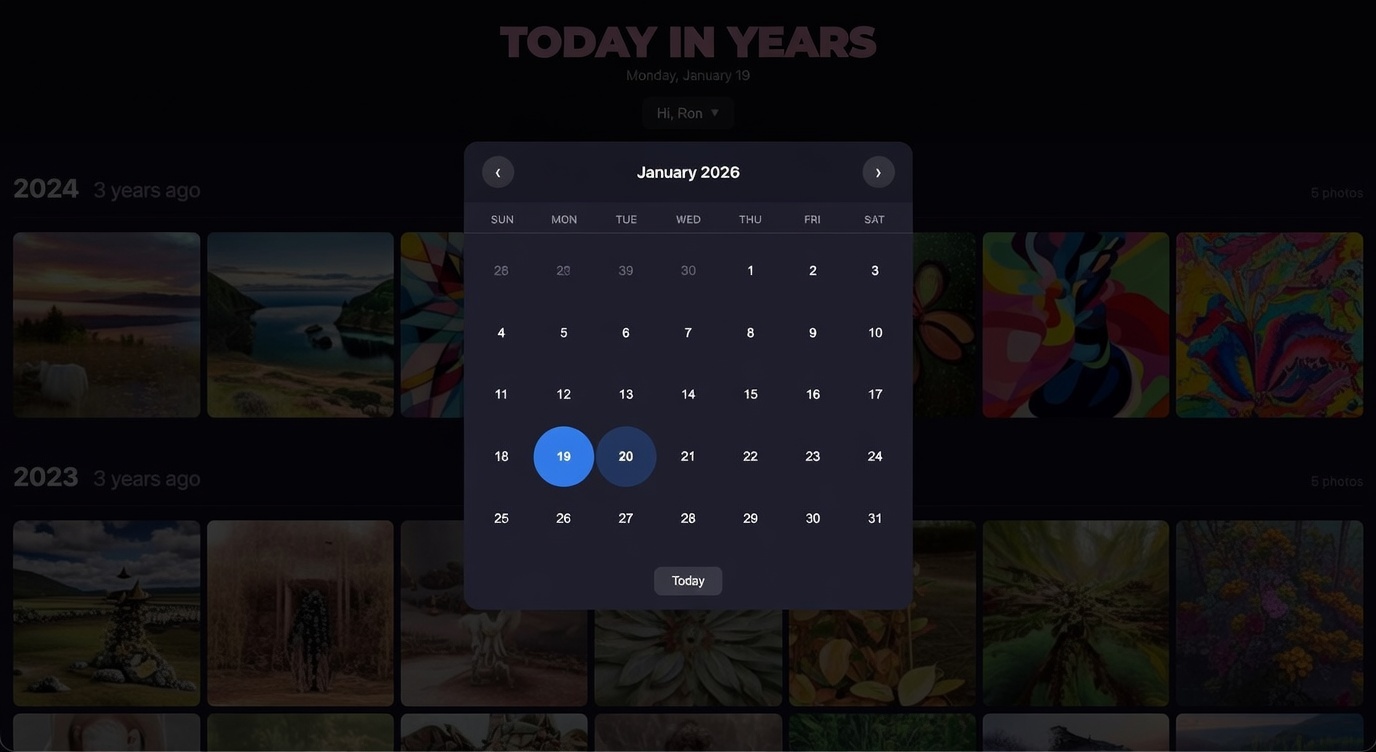
Browse memories from any date, not just today. Explore your photo history by selecting any date you want.
Smart Caching
Per-source caching for instant loading. Cache badges show how many memories are ready across all your sources.
Auto-Scan
Configure automatic daily scanning of personal space, shared space, and collections. Always ready.
Works on Any Device
Add to your home screen as a PWA on iOS or Android for an app-like experience. Works on desktop and mobile browsers.
Scan Logs
Monitor scan activity with detailed logs. See exactly what your daily scan found and troubleshoot with ease.
Native Apps Coming Soon
Dedicated iOS and Android apps are on the way, with push notifications, multi-server support, and offline viewing. In the meantime, add Today in Years to your home screen for a full app-like experience.
Privacy First
Today in Years was built with privacy as a core principle:
- ✓Your photos never leave your NAS
Unlike cloud-based services, your memories stay on hardware you own and control. No uploads to external servers.
- ✓No internet connection required
The app works entirely within your local network. Your photos aren't transmitted anywhere.
- ✓Read-only access
The app can only view your photos. It cannot modify, move, or delete any photos in your library.
- ✓No tracking or analytics
We don't collect usage data, viewing habits, or any personal information.
- ✓No account required
You authenticate using your existing Synology DSM credentials, which stay on your NAS.
Requirements
Synology NAS
Running DSM 7.0 or later
Synology Photos
Package installed and configured
User Account
With access to your photo library
Installation
Download & Install
Download the free SPK package from this site and install it via Package Center in DSM. No purchase required.
Connect Your Photos
Enter your Synology DSM credentials (same account used for Synology Photos) to connect your library.
Enjoy 30 Days Free
Your trial starts immediately with all features unlocked. When you're ready, purchase a license key from Gumroad to keep using the app.
Frequently Asked Questions
Everything you need to know about Today in Years
Not built-in. Synology Photos doesn't show photos from previous years automatically. Today in Years adds this feature as a separate DSM package that works with your existing Synology Photos library.
Yes. Install the app and use every feature for 30 days, no credit card, no sign-up, no strings attached. Personal space, shared space, albums, collections, daily reminders, it's all unlocked from day one.
After 30 days the app asks you to activate a license. It's a one-time purchase with lifetime updates, no subscription, no recurring fees. If you choose not to buy, the app keeps working with limited features until you activate a license.
Shared Space lets you browse memories from Synology Photos' shared/team library alongside your personal photos. If your family or team shares a photo library on your NAS, you can now see those memories too. Just switch to Shared Space from the source selector.
Albums let you view memories from a specific album in your Synology Photos library, including albums shared with you. Collections take it further: combine multiple albums into a named group (e.g., "Family Trips" or "Holidays") and browse memories across all of them for any date.
Daily Reminders send you a notification when your memories are ready. You can set a custom time window (e.g., 9 AM to 12 PM), and the app will notify you at a random time within that range each day via browser notifications.
Immich and PhotoPrism are full photo management platforms that require migrating your photos. Today in Years is simpler: it works with your existing Synology Photos library and just surfaces daily memories. No migration needed, no duplicate storage.
Docker solutions require installing Docker Manager, configuring environment variables, and managing containers. Today in Years is a native .spk package. Install it like any other Synology app in 2 minutes. No Docker knowledge required, and it works on NAS models that don't support Docker.
No. Today in Years runs entirely on your Synology NAS. Your photos are never uploaded anywhere. The app has read-only access to your existing Synology Photos library and works completely offline.
Yes. Each user logs in with their own DSM credentials and sees their own Synology Photos library. Permissions are respected based on your existing Synology Photos setup.
You need a Synology NAS running DSM 7.0 or later with the Synology Photos package installed. The app works with your existing photo library with no additional setup required.
Try it Free
30 days free with every feature unlocked. No credit card, no commitment.
Love it? One-time purchase. Lifetime updates. No subscription.
- ✓Shared Space, Albums & Collections
- ✓Daily Reminders & Smart Caching
- ✓Works on any device (PWA)
- ✓One-time purchase, lifetime updates
- ✓Email support included